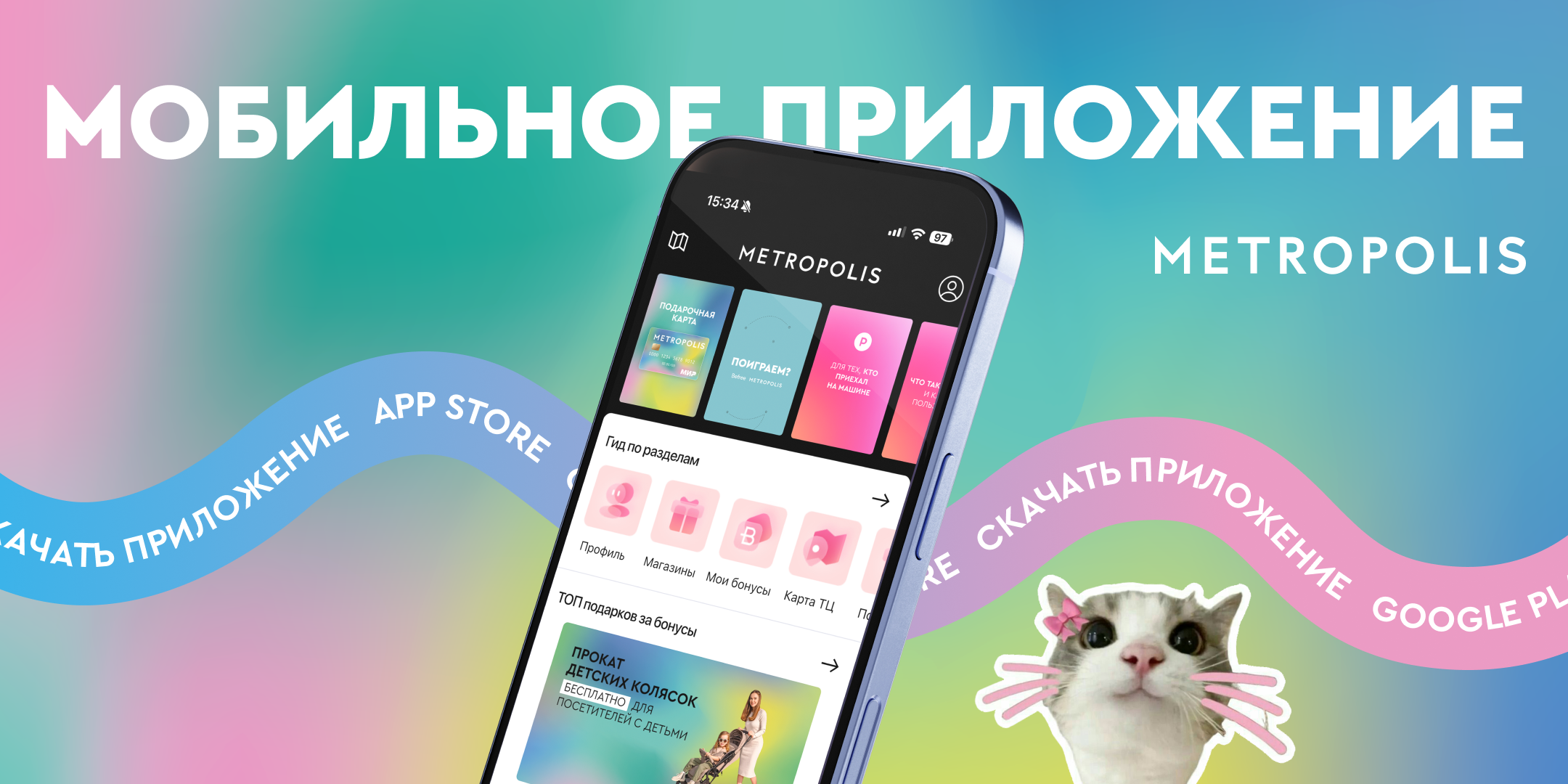
HOW TO BECOME A MEMBER?
- Download the app from the App Store, RuStore, or Google Play and log in
- Make purchases at Metropolis Shopping Center
- Scan your receipts and accumulate bonuses
- Exchange bonuses for gifts or to pay for parking
- Take part in prize draws for valuable rewards
- Enjoy the perks of each membership tier
- Stay updated with the latest news from the shopping center
- Plan your shopping route
Loyalty Program: Q&A
How do I become a member?
To join the loyalty program and gain access to special offers, promotions, and gifts, simply download the Metropolis Shopping Center app and register by providing your name, phone number, and email address.
How do I earn bonuses?
To earn and accumulate bonuses, scan the receipts for purchases made at the shopping center. Once a receipt is verified, the corresponding bonuses will be automatically credited to your account.
How can I spend my bonuses?
Exchange your bonuses for gifts offered by the shopping center. When you select a gift, the required number of bonuses will be deducted from your account.
Where can I view the gifts I’ve acquired?
You can find your gifts in your personal account within the app, under the "Gifts" section.
Can I upload an electronic receipt?
You may upload a screenshot of a receipt from your phone; it will then be sent for manual review.
I uploaded a receipt, but no bonuses were credited.
Don’t worry if your receipt didn’t pass the automated verification process. Simply send the receipt to the mobile app’s support team, and a specialist will review and process it manually.
Do bonuses expire?
Bonuses never expire! They will remain valid for as long as the Loyalty Program is in effect.
Can I transfer bonuses to other Loyalty Program members?
No, transferring points to another user is not permitted.
Where can I see how many bonuses I have accumulated and which purchases they are from?
Everything is saved in the "History" section! There, you will find a record of all your purchases, the bonuses earned from them, activated gifts, gift codes, and any coupons—if a prize draw is currently underway.
What should I do if I return an item for which I have already received bonuses and/or coupons?
Please let us know which store the return was made at and the amount of the return. According to the rules, the transaction must be voided, and any coupons received for that purchase (for entry into a prize draw) will also be cancelled. To process this, please visit the information desk at a Pandora store or contact us via the "Requests" section (on the adjacent tab).
How do I select and activate a gift from the Catalog?
Choose a gift, read its description and the terms for receiving it, and then activate it. Once activated, a code will appear on your screen; you will need to present this code when collecting your gift. If you have closed the app, you can retrieve the code by navigating back to the specific offer you activated in the Catalog. The code will remain accessible until you tap the "Gift Received" button.
How is my status determined, how can it be changed, and which purchases are taken into account?
Only your purchases from the last 365 days are considered when determining your status. Bonuses earned through other activities—such as subscriptions or the use of promo codes—as well as bonuses spent on gifts, are not included in this calculation.
How can I get coupons to enter a prize draw?
Several times a year, we hold major prize draws for all shoppers at the shopping center. To participate, simply scan your receipts in the app as usual. In addition to earning bonuses, you may also receive entry coupons if your receipt qualifies for a prize draw. The terms and conditions for these draws are published on the website metropolis.moscow and in the "Bonuses" section of the app. You can view all your purchases, along with the coupons and bonuses earned from them, in the "History" section.
How do promo codes work, and what are they for?
Go to the "Catalog" section and select the "Promo Codes" tab. Enter a promo code to receive extra bonuses. Keep an eye on our social media channels so you don’t miss out on new promo codes or the tasks you might need to complete to earn them.
How can I find out who won a prize draw or lottery?
If a draw is held via a live stream on our Telegram account (@metropolisru), you can watch it in real-time or view the recording later. If you are among the winners, we will contact you within three business days using the phone number registered to your app account to let you know how to claim your prize. Please also ensure that your email address is provided in your profile.
How can I check how many prizes are left, and will I still be able to claim one?
As long as prizes are available, the offer will appear in the catalog. Once the supply runs out, the offer will disappear from the catalog (though it may reappear if more prizes become available). If you have activated a prize, it will be held for you until the date specified on the page containing your prize code.
When can I scan a QR code?
You can scan it at any time after your purchase, provided it is within 3 months of the purchase date! The specific day you choose to scan does not affect the bonuses you receive. Please keep the receipts for any major purchases; according to the Program rules, we may ask you to provide proof of purchase.
Can I activate a gift today but redeem it on a different day?
If the offer description states that it can only be redeemed on the day of activation, the gift will expire if you do not claim it that same day. This typically applies to offers from restaurants. If there is no such note in the description, you can activate the gift on any day, provided you redeem it before the offer’s expiration date.
My account has been blocked. What should I do?
We may temporarily block an account for verification purposes. This is done in the best interests of our loyalty program members; we appreciate your understanding regarding this procedure. To have your account unblocked, please contact us via the chat feature. You may be asked to provide receipts for recent purchases, as well as screenshots confirming payment for those transactions.
I’m having trouble scanning a receipt.
Please send a photo of the receipt—ensuring all details are clearly visible—along with a screenshot of the error message that appears during the scanning process.
Unable to pay for parking using points?
Please contact the app’s support team. When reaching out, include a photo of your parking ticket and a screenshot of the error message. If a parking payment via points fails, we will return the points to your account within 5 business days.
When I try to activate an offer, I get a message saying that the daily limit for this gift has been reached.
Please try activating it again the following day. Gifts are still available, but there is a daily limit on how many can be issued.
Do my bonus points expire?
Bonus points do not expire! They will remain valid for as long as the loyalty program is in operation.
How many bonus points will I receive?
For retail store receipts, you earn 1 bonus point for every 50 rubles spent. The maximum receipt amount used to calculate bonus points is 50,000 rubles. For restaurant receipts, you earn 1 bonus point for every 75 rubles spent. The minimum receipt amount required to earn bonuses is 1,500 RUB.
I activated a code, but the store refused to provide the gift.
Please specify which gift you activated and the reason why it was not provided to you.
I activated a gift using bonuses, but I haven’t received it yet. How do I get my gift?
Information on how to claim your gift, along with the activation code, can be found on the specific gift’s page. You can access this via the "History" section by tapping on the relevant gift entry, or by reopening the gift’s page through the "Gift Catalog."
I scanned QR codes from receipts that qualify for the prize draw, but I didn’t receive any coupons (or didn’t receive the correct number of coupons).
Please contact us via the chat feature and specify which store the receipt(s) in question are from.
I accidentally tapped the button indicating that the gift had been received, but I haven’t actually received it yet. Now I can no longer see the code.
Please let us know which offer you intended to claim; we will verify that the gift has not yet been collected and restore the screen containing the code so you can present it to claim your gift.
METROPOLIS Shopping Center Loyalty Program Rules